

What is a UV template?
A UV template is a 2D unwrapped version of your Tesla's 3D surface. It shows where each body panel maps onto a flat image. Designing on the UV template wraps correctly onto the 3D preview.
Wählen Sie eine Vorlage, laden Sie ein Referenzbild hoch oder beschreiben Sie Ihre Idee. Die KI erstellt Ihren Tesla-Wrap in unter 1 Minute. Passen Sie das Bild an Ihr Modell an, prüfen Sie es in 3D und exportieren Sie ein PNG für Tesla Paint Shop.
Ein digitaler Wrap ist ein Design für die Darstellung Ihres Fahrzeugs in Paint Shop. Er verändert weder den echten Lack noch eine Folierung.
Importieren Sie ein eigenes Bild als editierbare Ebene oder erzeugen Sie mit KI ein neues Muster, wenn der Dienst verfügbar ist.
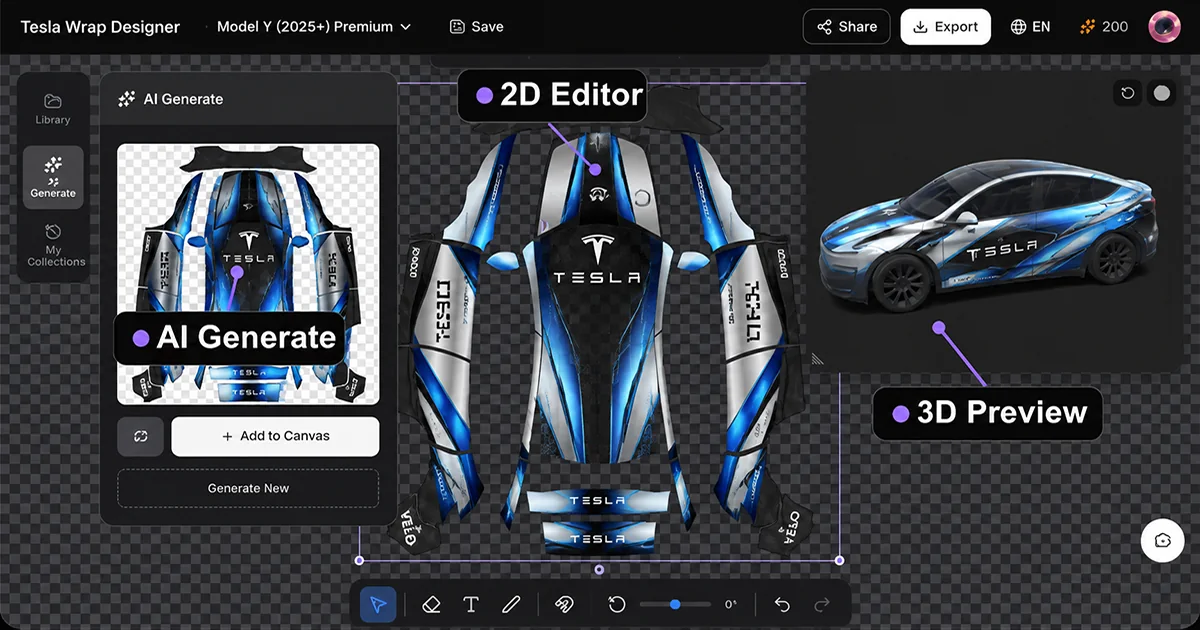
Runs entirely in your browser. No Photoshop, nothing to install.
Choose the exact supported Tesla variant before placing artwork or exporting.
The vehicle mask keeps artwork inside the supported wrap regions during preview and export.
Pick the template matching your vehicle and export a compliant PNG.
Design and preview in the browser for free. Each Paint Shop PNG export costs 5 credits after sign-in.
Imported images and local drafts stay in your browser. AI requests are sent only when you choose an AI feature.
Wählen Sie eine modellspezifische Tesla-Vorlage mit dem richtigen Paint-Shop-UV-Layout für Ihr Fahrzeug.
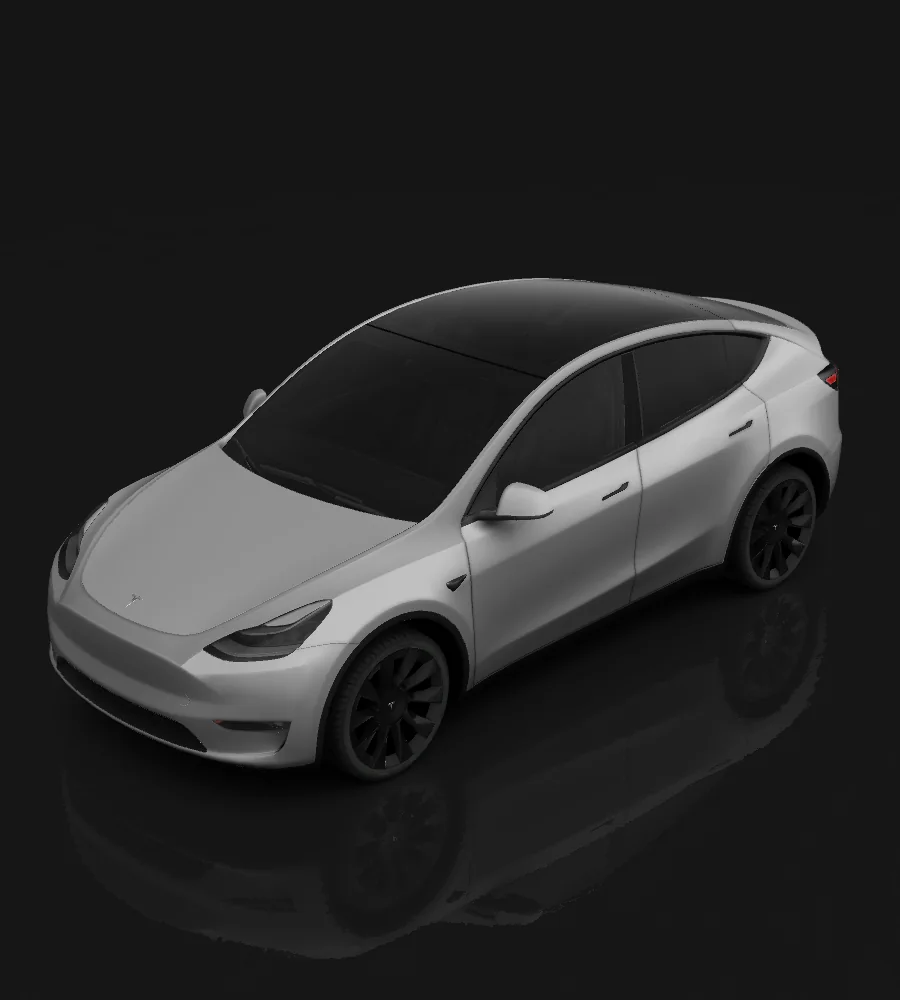
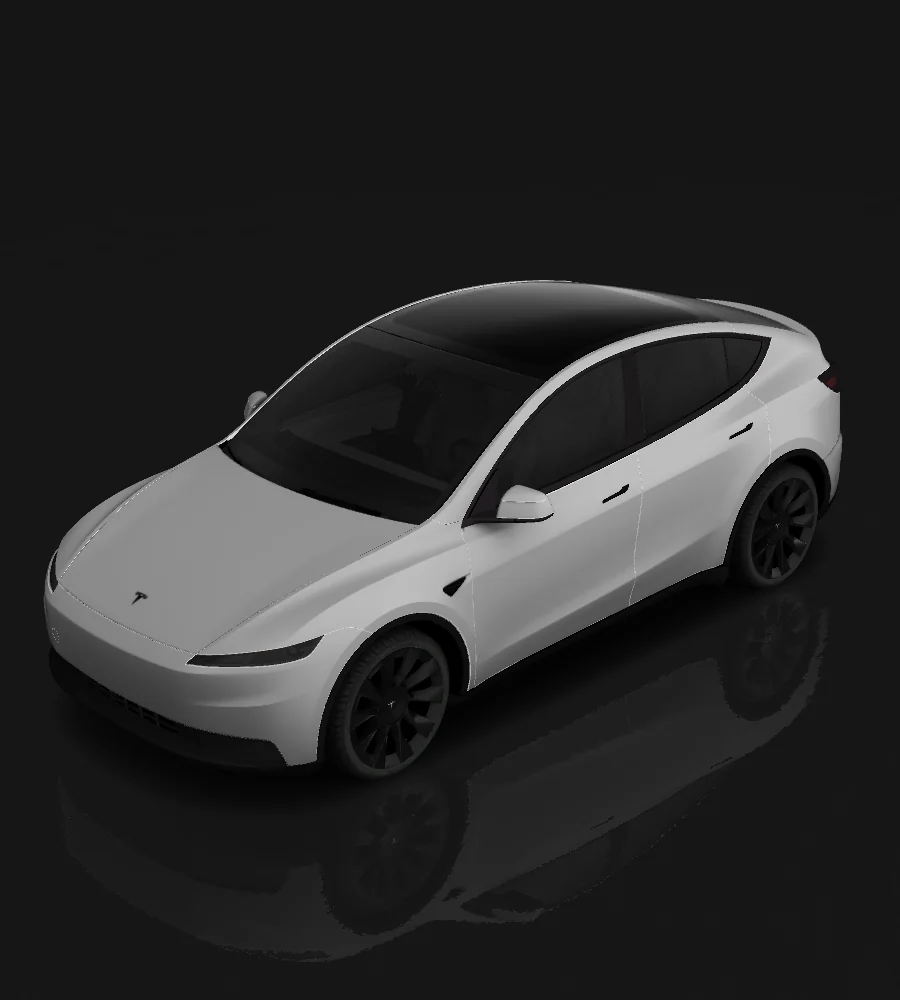
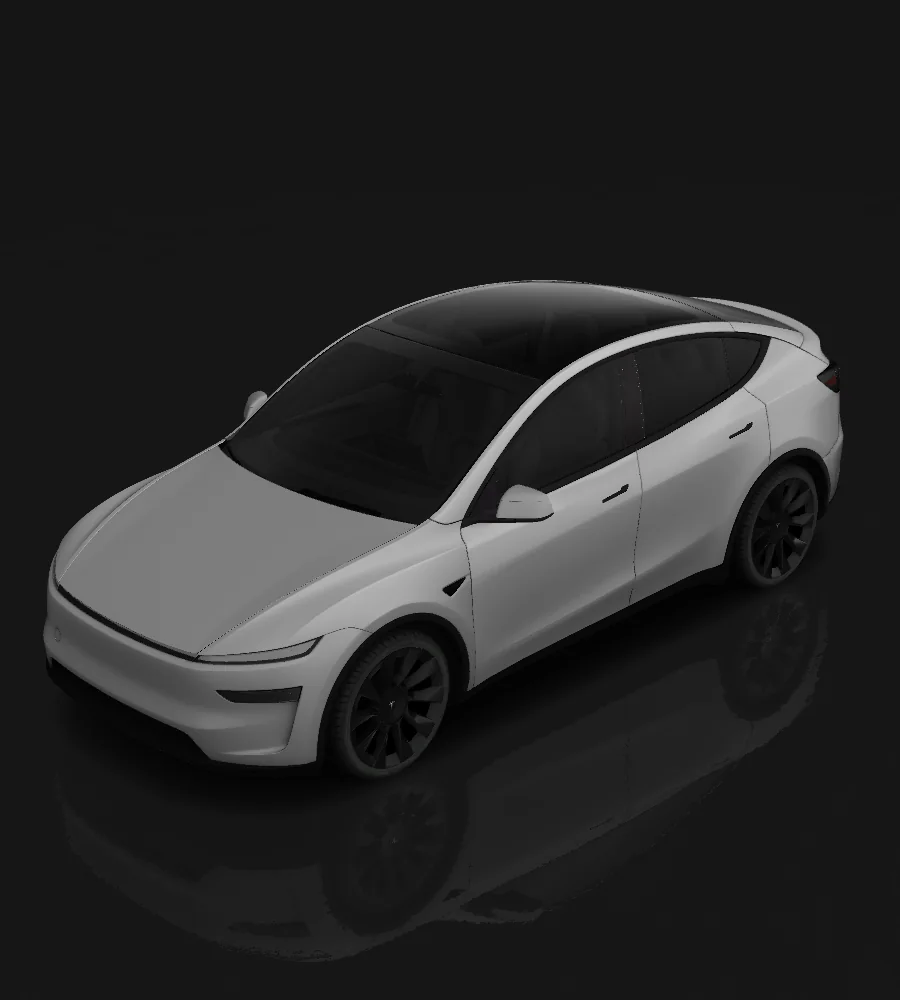
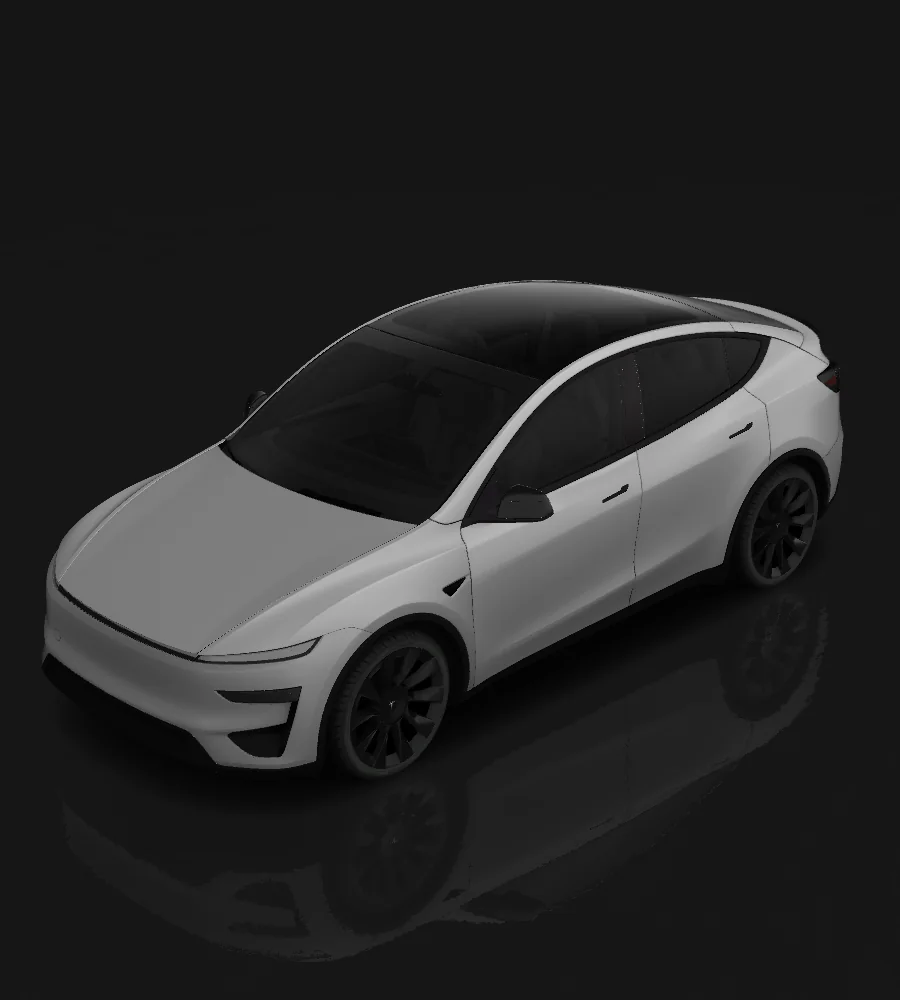
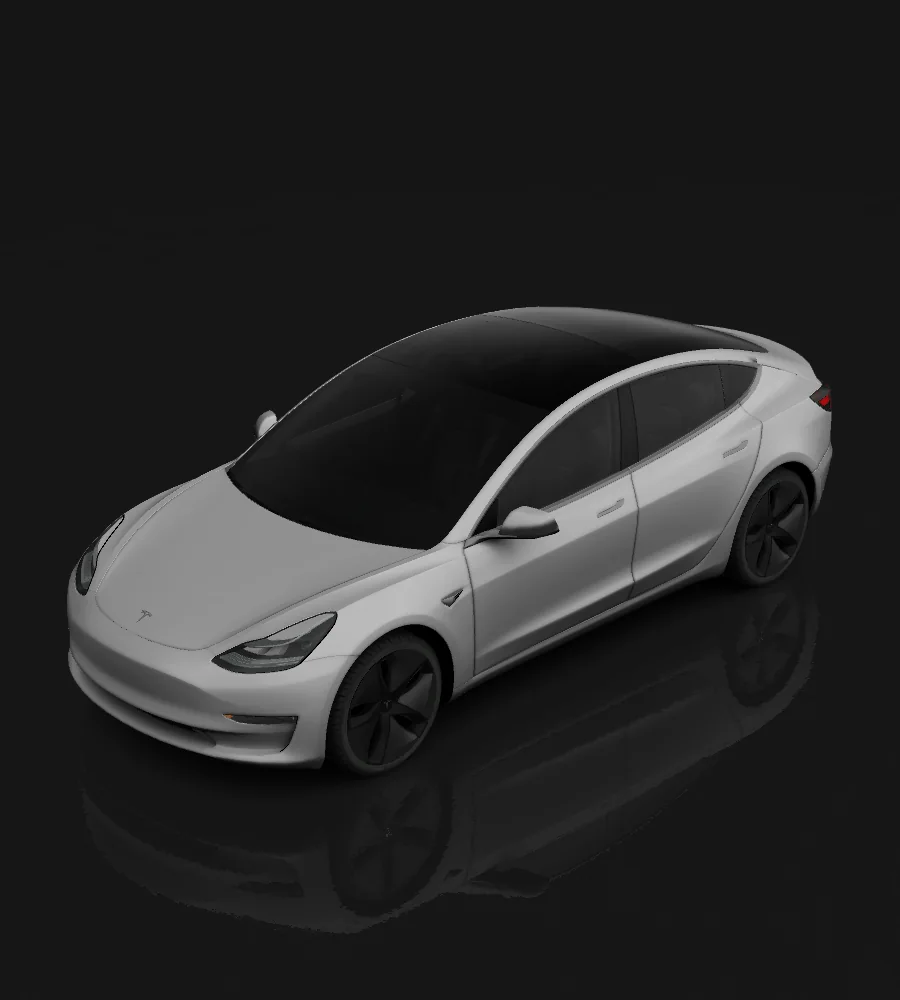
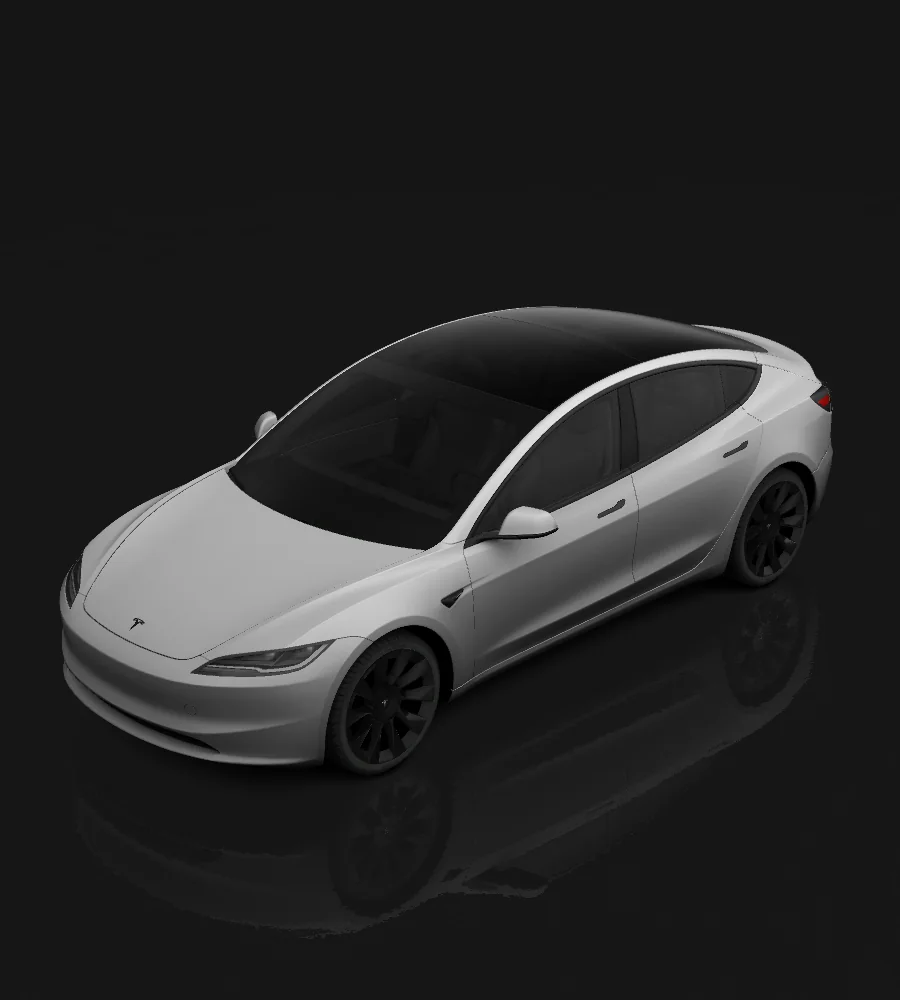
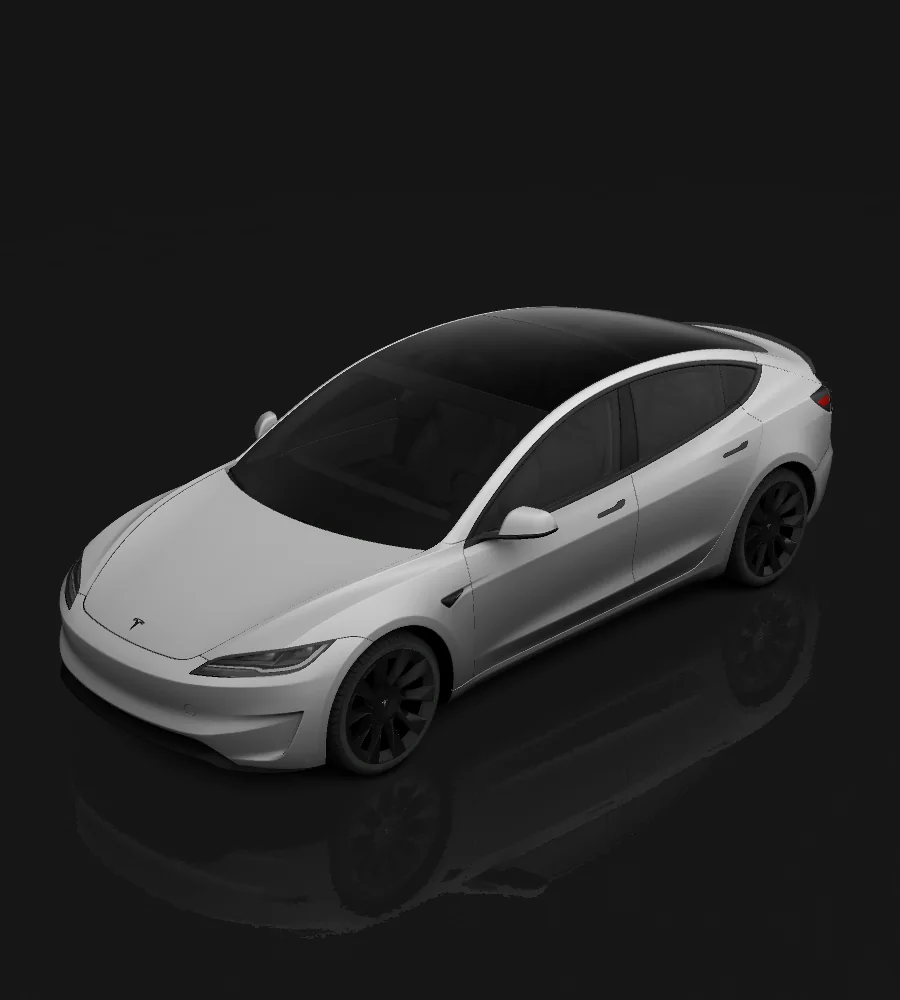
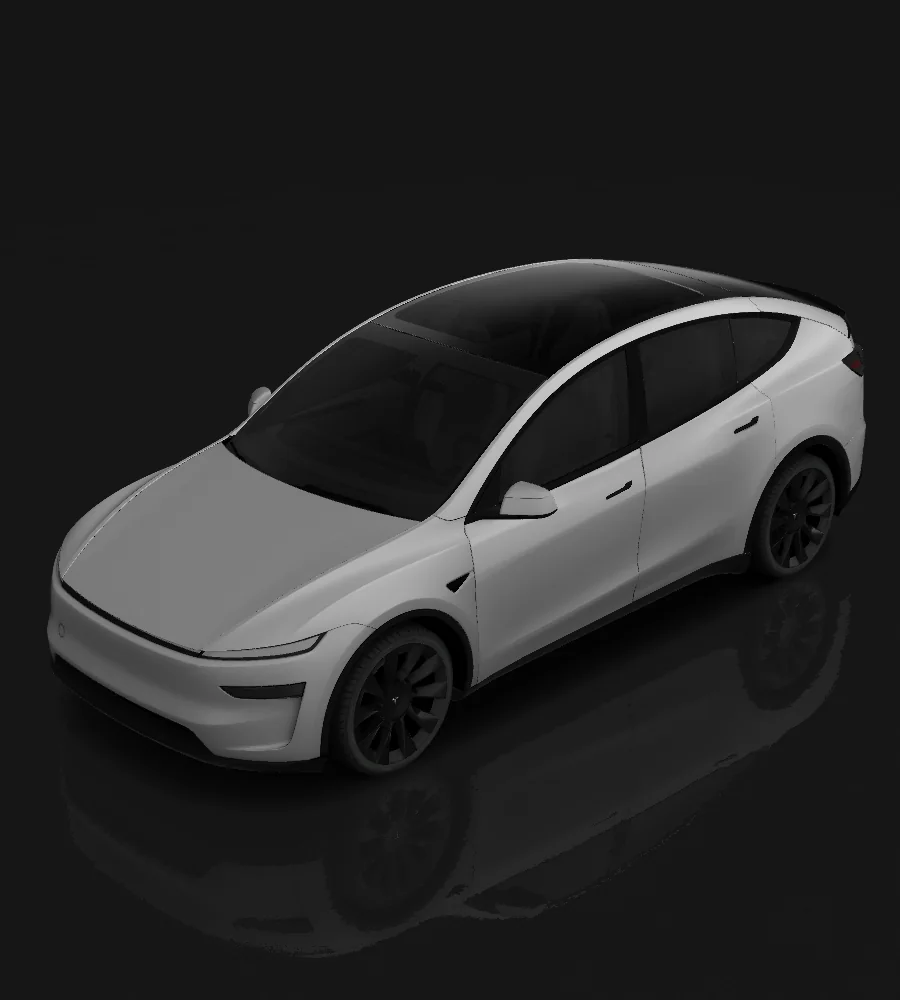
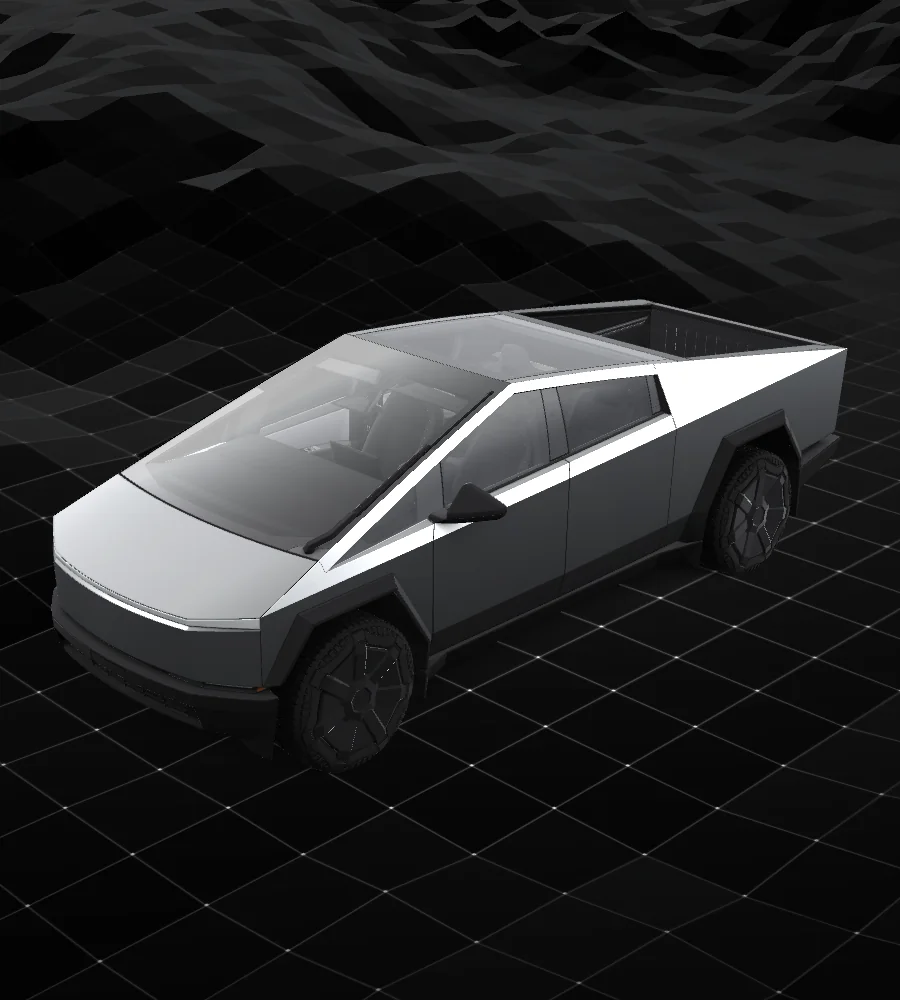
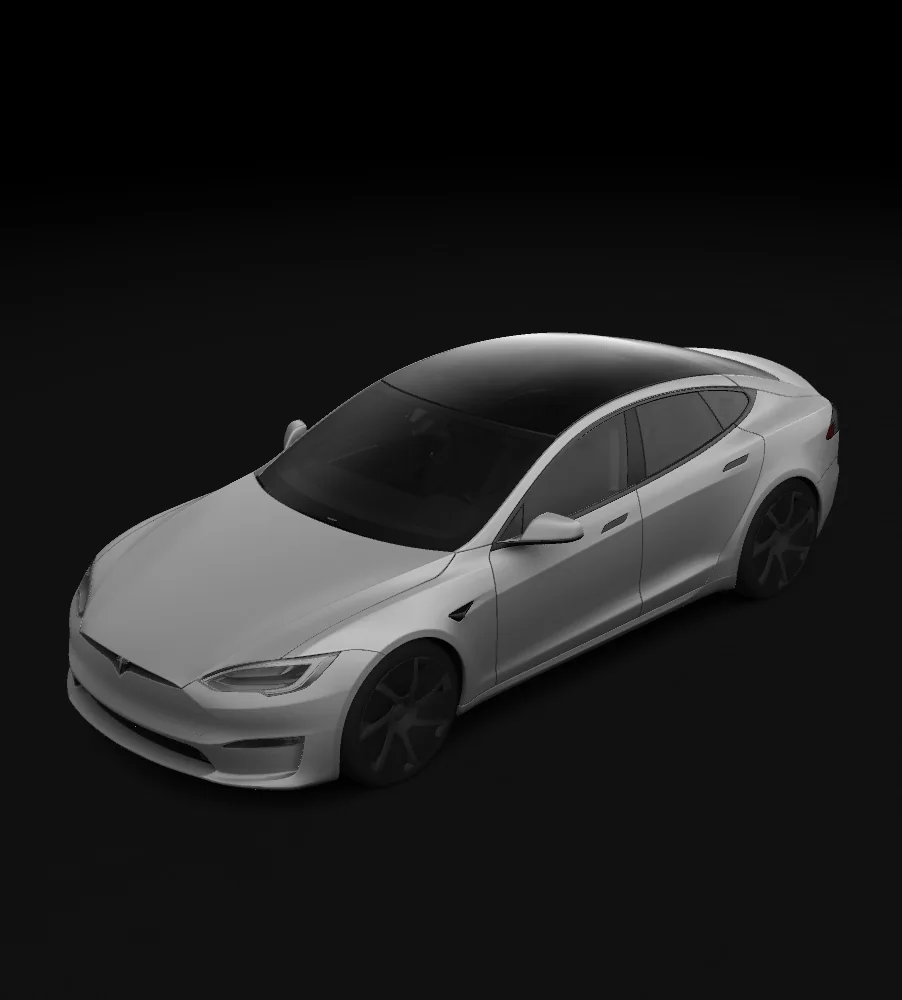
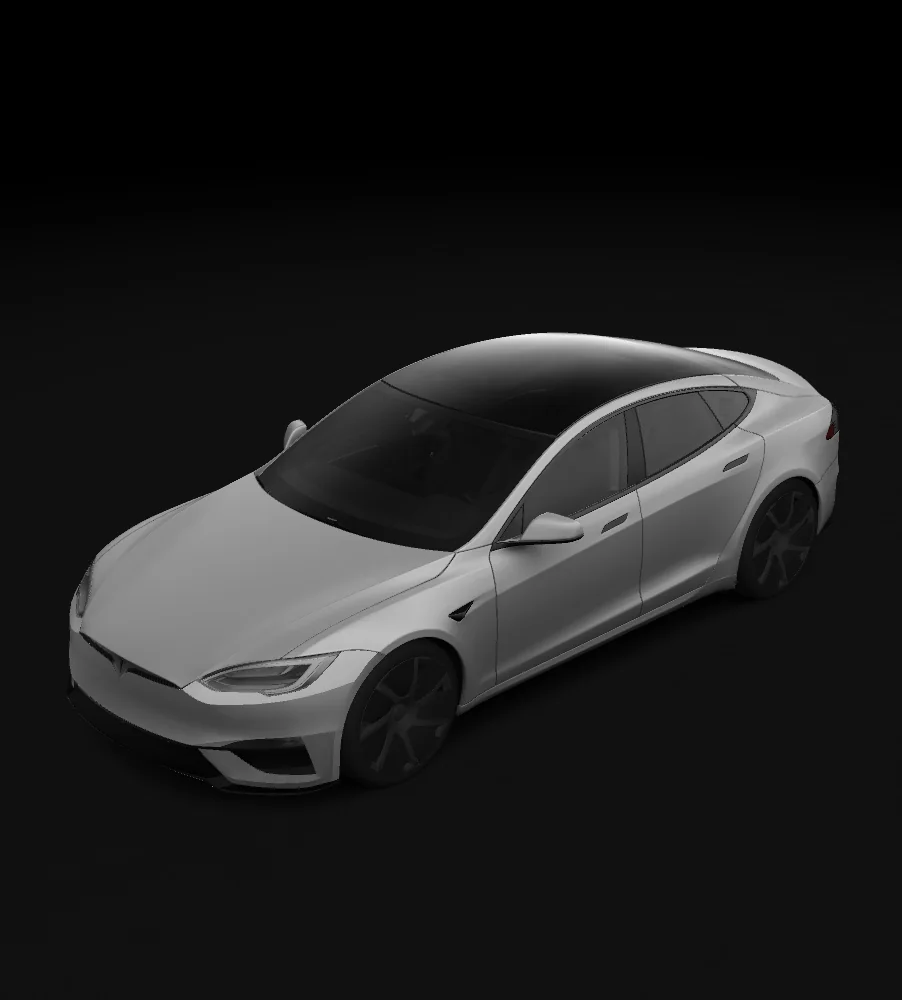
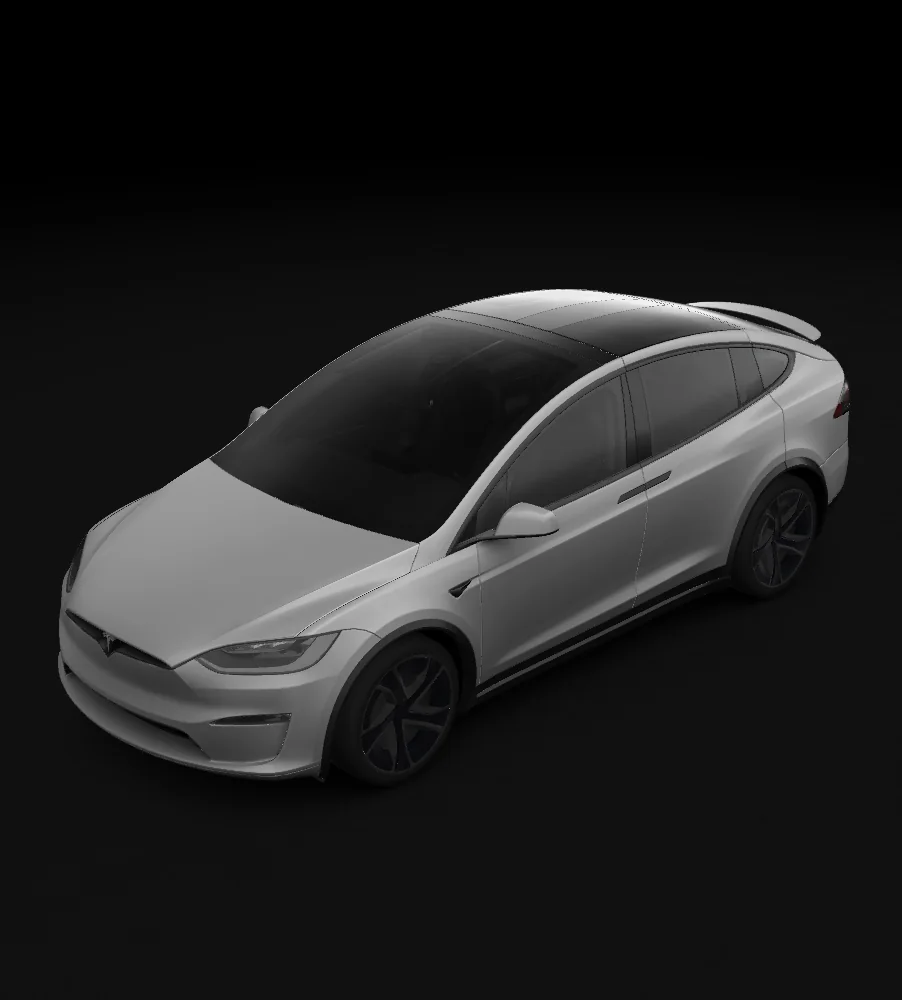
Verwenden Sie die passende Tesla Paint Shop-Vorlage für einen sauberen PNG-Export.
Vier einfache Schritte von der Wrap-Idee zum Paint-Shop-PNG
Choose the Paint Shop UV template that matches your Tesla.
Upload your own image, or describe it and let AI generate a wrap.
Download an optimized PNG ready for Paint Shop.
Tesla App: Creations → Wrap → Upload; or USB: Toybox → Paint Shop → Wraps
Our tool automatically handles all of these requirements:
Upload with Tesla App v4.59.0+ via Creations → Wrap → Upload, or copy the PNG into a USB Wraps folder.
A UV template is a 2D unwrapped version of your Tesla's 3D surface. It shows where each body panel maps onto a flat image. Designing on the UV template wraps correctly onto the 3D preview.
TeslaWraps is an independent digital design studio for compatible Tesla Paint Shop workflows. Tesla and vehicle names are used only to identify compatibility; TeslaWraps is not affiliated with Tesla, Inc.
No. A digital wrap only changes the 3D vehicle visualization on the in-car display. It does not affect the real paint in any way.
Paint Shop support depends on vehicle software and template data. Tesla Wrap Designer provides UV templates for supported Tesla variants when that data is available.
Yes, after you sign in and have at least 5 credits. Each editor or gallery PNG export costs 5 credits and matches the selected Paint Shop template.
No. TeslaWraps creates digital Paint Shop designs for the vehicle display. It does not sell vinyl, PPF, installation, or body-shop services.
Imported images and local drafts stay in your browser. When you choose AI generation, the prompt and required inputs are sent to the configured AI service. Account and payment features use the service providers described in the privacy policy.
Beginnen Sie mit der passenden Fahrzeugvorlage, prüfen Sie das Design in 3D und exportieren Sie ein PNG für 5 Credits. Verwenden Sie KI-Credits, wenn Sie ein generiertes Muster wünschen.
Wählen Sie Ihr Fahrzeug